CryptoLocker Locked Files For Money
In this post
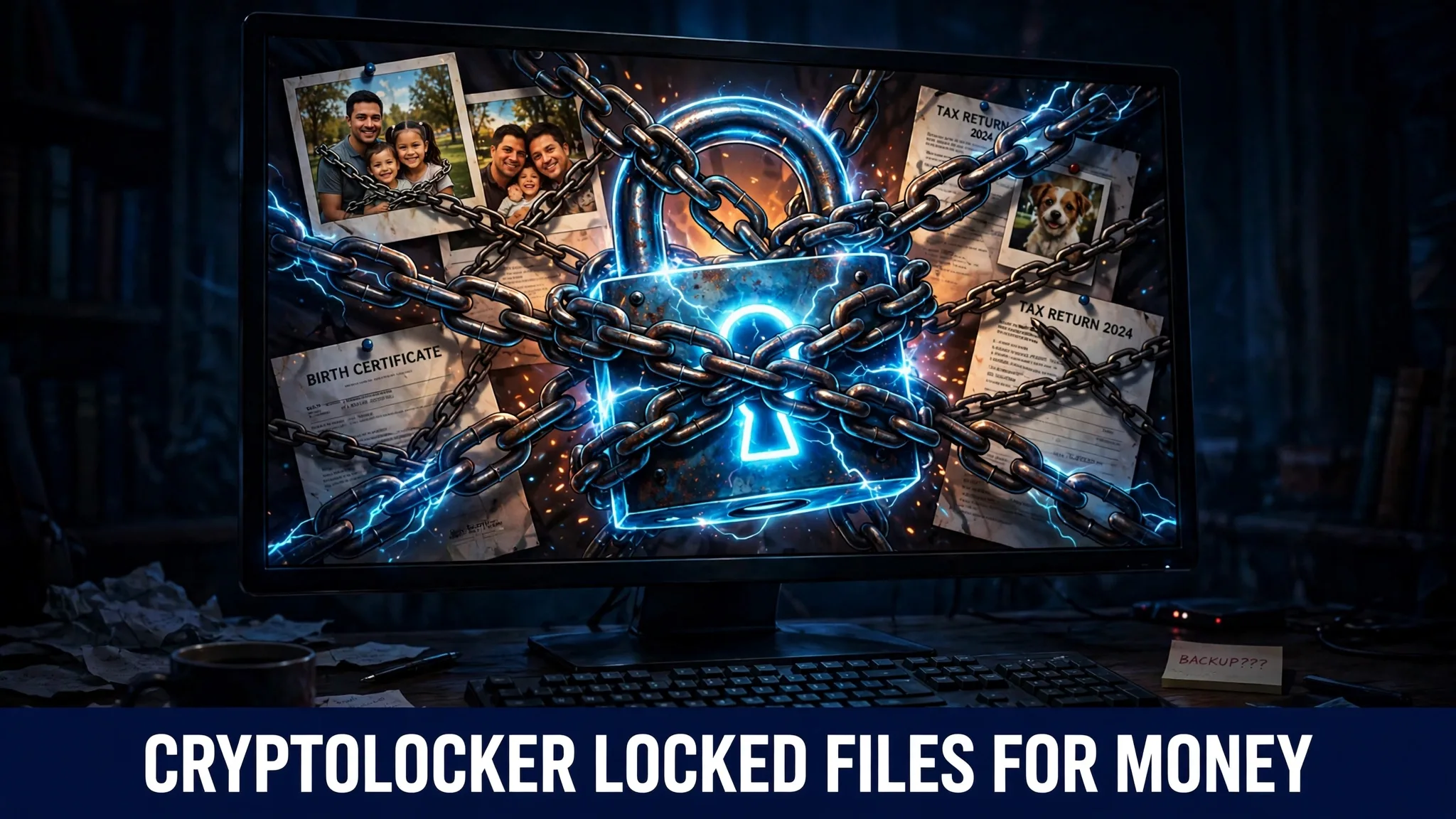
The screen was red. Not the soft red of a friendly warning, but a flat, angry red that filled the whole monitor and refused to go away. On it, in cold block letters, was a message saying the family’s files had been encrypted — and underneath the message, a clock was counting down. Seventy-one hours, fifty-nine minutes, and falling. Every photo on that computer had a new name now, a scrambled one, and clicking a picture opened nothing at all. The birthday videos, the scanned documents, the spreadsheets for the small family business — all still sitting in their usual folders, all visible, and all completely unreachable, like looking at your own house through a window you can never open again.
That red screen was the calling card of CryptoLocker, and in the autumn of 2013, it appeared on hundreds of thousands of screens around the world.
What CryptoLocker is and what it does to your files
CryptoLocker appeared in September 2013, and security experts remember it as the ransomware that started the modern ransomware era. Ransomware is a type of malicious software built for one simple purpose: it holds a victim’s files hostage and demands money for their release. Earlier criminals had tried versions of this trick, but CryptoLocker was the first one to do it with encryption so strong that victims truly had no way out on their own.
Encryption means scrambling a file with a mathematical code so it becomes meaningless gibberish until the correct key unscrambles it. CryptoLocker used an extremely strong method called RSA-2048 public-key encryption. The easy way to picture it is this: the malware carried a lock that anyone could snap shut, but the one key that could open that lock existed only on a server controlled by the criminals, far away. When CryptoLocker got inside a computer, it quietly worked through the machine and locked up the files people care about most — documents, photos and spreadsheets — one after another, usually without showing anything strange while it worked.
Only when the locking was finished did the red screen appear. It demanded about $300, which at the time worked out to roughly 2 Bitcoin, and it gave the victim about 72 hours to pay. The message warned that when the timer ran out, the key would be destroyed and the files would stay locked forever. Some later versions of CryptoLocker added a cruel extra twist: a “late” decryption service for people who missed the deadline — at a far higher price.
How CryptoLocker spreads and how it can reach you
CryptoLocker did not break down any doors. It was invited in, again and again, by people who thought they were opening something ordinary. Its favourite disguise was the email attachment. The message often looked like a delivery or parcel tracking notice, the kind of email many people receive and open without a second thought. One click on the attachment, and the locking began.
It also had help from an older criminal network. The Gameover ZeuS botnet — a huge army of already-infected computers controlled by criminals — was used to deliver CryptoLocker onto machines that were already compromised. So a computer could be quietly infected with one piece of malware first, and that infection would later open the gate for CryptoLocker to arrive.
The lesson for an ordinary reader is uncomfortable but simple. The danger rarely arrives looking dangerous. It arrives looking like a delivery update, a bill, a tracking link, or a document you were almost expecting anyway. The click itself looks harmless. The damage starts silently, later, in the background.
The damage: hundreds of thousands of locked lives
Victims of CryptoLocker were estimated in the hundreds of thousands. These were not only big companies. They were home users staring at years of family photographs, students with their work, and small businesses whose records and accounts suddenly turned into unreadable scrambled files. For many of them, the computer itself still worked perfectly. The machine was fine. It was their own digital life, stored inside it, that had been taken.
Security researchers estimated that CryptoLocker collected roughly $3 million in ransom payments before it was shut down. That number is an estimate, and the true figure may never be known, because many victims paid quietly and told nobody. Still, even that rough figure shows why this one program changed criminal behaviour online. CryptoLocker proved that locking files and demanding a few hundred dollars at a time, from hundreds of thousands of ordinary people, was a reliable way to make money. Almost every ransomware attack that fills the news today walks a road that CryptoLocker paved.
I find the countdown clock the coldest part of the whole design, because it was not there to inform anyone — it was there to panic people into paying before they had time to think.
The rescue that came too late for many
CryptoLocker’s run ended in June 2014. An international police effort called Operation Tovar disrupted the Gameover ZeuS network and seized the infrastructure that CryptoLocker depended on, cutting the connection between infected computers and the criminals’ servers. New infections stopped, and the red screens finally stopped spreading.
Then something rare happened. The database of unlocking keys was recovered, and two security firms, FireEye and Fox-IT, built a free website where victims could unlock their files without paying anything. For people who had kept their locked files and waited, there was suddenly a genuine rescue.
But notice the uncomfortable detail inside that happy ending. The rescue only existed because the criminals’ key database happened to be captured. It was luck, not a method. Anyone who had deleted their scrambled files in despair, or wiped the computer and started again, had nothing left to unlock. Against encryption this strong, there is no clever trick, no secret button, and no friendly expert who can simply open the files for you.
How to protect yourself from ransomware like CryptoLocker
Keep a backup the ransomware cannot reach
This is the single most important defence, and it deserves a full explanation. A backup is a copy of your files kept somewhere separate. If it is always plugged into your computer — like a USB drive that never leaves the port — ransomware can usually reach it and lock the copy too. A safe backup is one you connect, copy your files onto, and then disconnect, or an online backup service that keeps older versions of files. If the worst happens and every file on your computer is locked, you can wipe the machine clean and restore your photos and documents from that safe copy, and the criminals get nothing.
Treat email attachments with suspicion
CryptoLocker travelled inside attachments dressed as innocent delivery and tracking notices. Before opening any attachment, ask yourself whether you were truly expecting it. Check who really sent the message, not just the name shown at the top. A parcel notice about a parcel you never ordered is a trap, not a puzzle. If a message pressures you to open a file quickly, that pressure itself is the warning sign.
Never pay the ransom
Paying feels like the fastest way out, but it carries no guarantee at all. You are trusting criminals to hand over a working key, and some victims who paid received nothing. Payment also funds the next attack and marks you as someone who pays, which can bring more demands later. If your files are locked, the honest options are to restore from a backup, check whether a free unlocking tool exists for that strain through a trusted security source, or accept the loss and rebuild.
Keep your software updated and protected
Updates close the holes that malware uses to get in and to spread. Let your operating system and programs update themselves, and run a reputable security program that can catch known threats before they start working. No single tool can stop every attack, which is exactly why updates, caution with attachments and a good offline backup belong together — each one covers the gaps the others leave.
Common questions
Can locked CryptoLocker files be opened without the key?
In almost every case, no. CryptoLocker used RSA-2048 encryption, which is far too strong to break by guessing or by any tool a home user could run. The only realistic ways back were paying for the real key, or — after the 2014 takedown — using the free unlocking service built from the recovered key database.
Did paying the $300 ransom actually work?
For many victims it did, because the criminals wanted a reputation for “delivering” so future victims would pay too. But it was never guaranteed, and paying funded more crime. Security authorities consistently advise against paying, and a proper backup removes the need to even consider it.
Is CryptoLocker still a threat today?
CryptoLocker itself was shut down in June 2014 during Operation Tovar, so the original program no longer operates. Its real legacy is the method it proved: strong encryption plus a timed ransom demand. Modern ransomware gangs copied that formula and are very much still active, which is why the protection steps above still matter.
Why did the criminals ask for Bitcoin?
Bitcoin let them receive money from anywhere in the world without a bank account in their real name and made payments very hard to trace or reverse. At the time of CryptoLocker, the roughly $300 ransom worked out to about 2 Bitcoin. The anonymous, one-way nature of the payment was a deliberate part of the design.
What should I do first if my screen shows a ransom demand?
Stop and do not click anything in the warning window. Disconnect the computer from the internet and from any plugged-in drives, so the damage cannot spread to your backups or other devices. Then, from a clean device, look for help from a trusted security company and check whether a free unlocking tool exists for that specific ransomware before you even think about paying.
Sources
- Wikipedia — CryptoLocker: https://en.wikipedia.org/wiki/CryptoLocker