Flame Spied On Whole Computers
In this post
Picture a group of computer experts opening up an infected machine the way mechanics open a car engine. They expected to find a small, simple virus — the kind that fits in a tiny file and does one dirty job. Instead, they kept pulling out tool after tool. A recorder. A camera. A listening device. A thief for documents. The deeper they dug, the more they found, and slowly a frightening picture formed: this was not one tool at all. It was a whole toolbox, built by someone patient, skilled and very well funded. The experts named it Flame — and what it could do to an ordinary computer still makes security people shake their heads today.
What Flame malware is, and what it did inside a computer
Flame, which some researchers also called Flamer or sKyWIper, was a piece of spyware discovered in May 2012. It came to light after Iran’s national computer emergency team asked for help investigating strange infections, and the analysis was carried out by Kaspersky Lab together with the CrySyS lab in Hungary. Most reported infections were in Iran, with others scattered across the Middle East.
The first shock was its size. Malware is usually tiny — a few kilobytes of code that sneaks in and hides. Flame, with all its parts fitted together, was around 20 megabytes. That is roughly twenty times the size of Stuxnet, the famous worm that damaged Iran’s nuclear machines. Twenty megabytes may sound small next to a movie file, but for a hidden spy program it was enormous, like finding a burglar carrying an entire workshop on his back.
The size made sense once the experts saw how Flame was built. It was modular, which is a simple way of saying it was made of separate pieces, like tools in a toolbox. Its operators — the people controlling it from far away — could look at an infected computer, decide what they wanted, and switch on only the modules they needed. One day the toolbox recorded sound. Another day it stole documents. The computer’s owner saw nothing at all, because Flame sat quietly in the background and only worked when told.
A spy that could see, hear and read almost everything
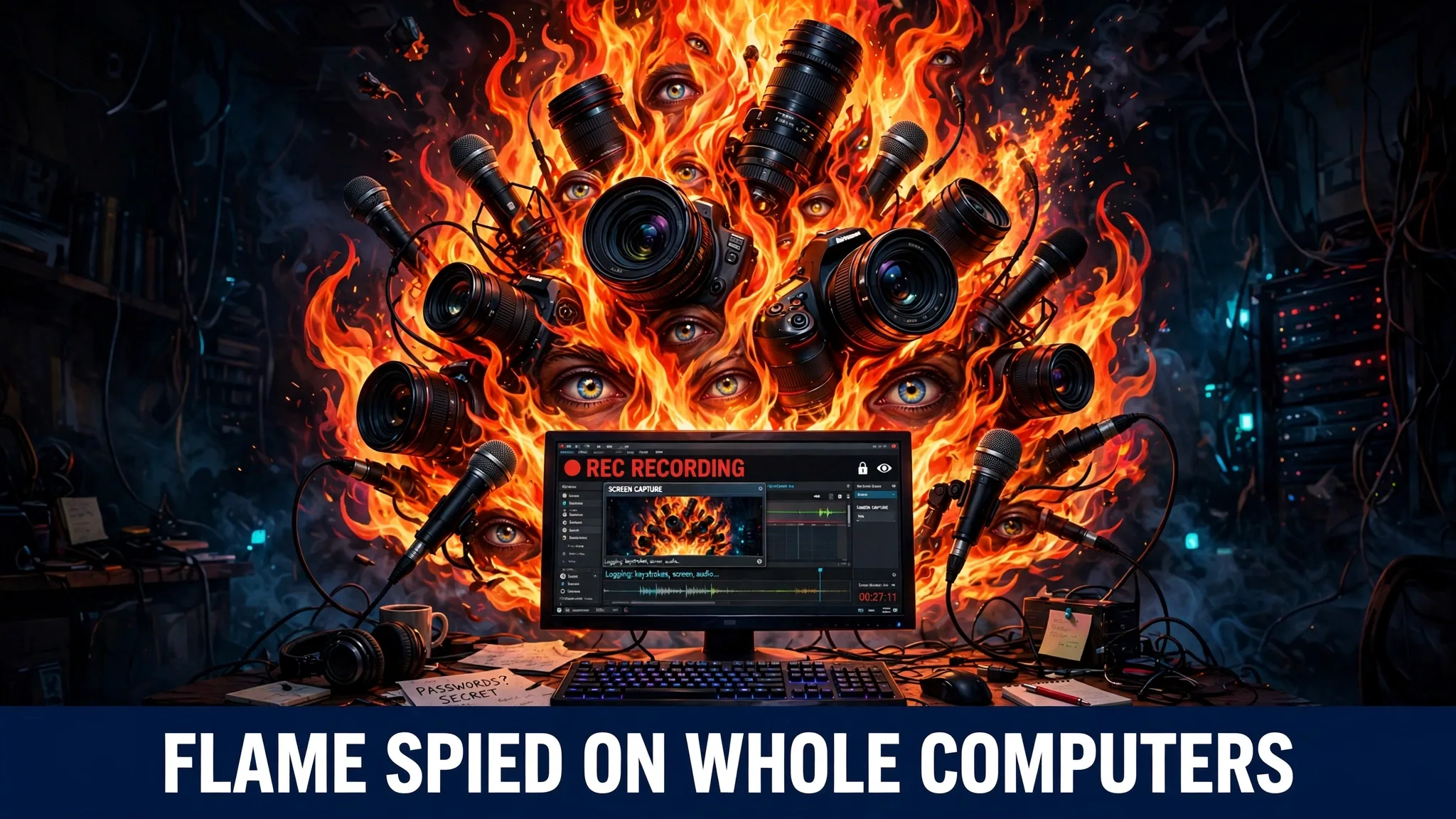
As Kaspersky’s analysis was published piece by piece, the list of abilities grew longer and worse. Flame could switch on the computer’s microphone and record the sounds and conversations in the room. It could take screenshots, quietly snapping pictures of whatever was on the screen. It could log keystrokes, which means every word typed — passwords, private messages, bank details — could be captured letter by letter.
It went further still. Flame could record Skype calls, the popular way people talked over the internet at that time. It could watch the traffic moving through the local network, a little like listening to every conversation in a building through the walls. It could steal documents stored on the machine. And in one of its strangest tricks, it could switch on the computer’s Bluetooth and use it to find phones nearby, pulling contact lists off those phones without anyone touching them.
Stop and think about what that means, all in one program. The microphone hears you. The screenshots see what you see. The keystroke log reads what you type. The Bluetooth trick reaches into the phone in your pocket. Flame did not just spy on a computer — it spied on the whole room around the computer, and on the people living and working in that room.
I find it hard not to feel uneasy knowing a program could turn a family computer into a listening post without a single strange sound or warning on the screen. That quietness was the whole point of Flame: a spy that is discovered is a spy that has failed, so Flame was built to be patient and silent above everything else.
How Flame spread — and how tricks like it can reach you
Flame moved from machine to machine in two main ways. It spread through local networks, the webs of connected computers inside offices and buildings, hopping from one PC to the next. It also travelled on infected USB sticks: someone would plug a small memory stick into a clean computer, and Flame would quietly climb aboard.
Then came the trick that alarmed experts most of all. On a local network, Flame could pretend to be a Microsoft Windows Update server — the trusted source computers check when they fetch official updates. To complete the disguise, it carried a forged Microsoft certificate, the digital ID card that tells a computer “this software really comes from Microsoft, you can trust it.” Because the certificate looked right, victim computers accepted Flame’s fake “update” as genuine Microsoft software and installed the spy themselves. Microsoft and Kaspersky both reported this trick at the time, and Microsoft had to rush out fixes so the forgery could never be used that way again.
That story matters for ordinary readers, even though Flame itself aimed at governments and big organisations, not at home users. Criminals copy the tricks of the big spies. A fake update is still one of the most common traps on the internet today: a pop-up appears while you browse, shouting that your software is out of date or your computer is infected, and begging you to click a button or download a file. Clicking installs the very thing the warning scared you about. Flame proved in 2012 that the update disguise fools even careful systems. The lesson travels straight from a state spy operation to your kitchen table: an update is only real when it arrives through your computer’s own built-in update system.
The damage story: a spy that vanished when the lights came on
Flame’s damage was not smashed machines or locked files. Nothing broke, nothing beeped, and no ransom note ever appeared. The damage was invisible: secrets quietly copied and carried away — documents, conversations, contacts and plans — over a long period, from computers in Iran and across the Middle East. Nobody can put an honest price tag on stolen information, because the victims often never learn exactly what was taken.
The ending of the story is as strange as the beginning. In late May 2012, researchers publicly exposed Flame, and the news travelled around the world. Almost immediately, the operators behind it sent out a “suicide” command — an instruction that ordered Flame to remove itself from infected computers and wipe away its traces. Machines that had hosted the giant toolbox were suddenly clean, as if nothing had ever lived inside them.
That vanishing act told the experts a great deal. Only a very organised team, watching the news and protecting a long-running operation, would bother to pull its spy out so quickly and so completely. Experts widely described Flame as part of the same family of state espionage operations as Stuxnet and its relatives — that is the view of the specialists who studied it, and it remains an expert judgement rather than a settled, proven fact. Whoever built it, Flame showed the world how far computer spying had come: one toolbox, quietly recording a whole room, then disappearing on command.
How to protect yourself from spyware like Flame malware
You cannot stop a state spy team with a home antivirus alone, and it would be dishonest to pretend otherwise. But most spyware that reaches ordinary people uses the same doors Flame used — fake updates, infected sticks and unprotected machines — and those doors can be closed.
Only update through the system’s own official channel. Real updates for Windows, macOS, Android and iPhone arrive inside the settings of the device itself, put there by the maker. Turn on automatic updates and let the system fetch them. If a website pop-up, an email or a message ever tells you to download an “urgent update,” close it. Open your settings and check for updates the proper way instead. A real update never chases you around the internet.
Keep antivirus switched on and up to date. Modern antivirus and the protection built into Windows and phones catch huge amounts of spyware automatically, but only if they are running and updated. Check now and then that your protection is actually on — a shield icon sitting grey and silent for months is no shield at all.
Cover your camera when you are not using it. Flame recorded sound and pictures, and plenty of modern spyware tries the same. A tiny sliding cover or even a small piece of tape over a laptop camera costs almost nothing and works perfectly: a covered camera cannot watch you, no matter what software is running. Many people also keep the microphone permission switched off for apps that have no honest need to listen.
Be careful with USB sticks and borrowed cables. Flame travelled on memory sticks, and unknown sticks remain a classic way to carry infections between machines. Never plug in a stick you found or were handed by a stranger, and let your antivirus scan any stick before opening its files.
Give apps only the permissions they truly need. If a torch app wants your microphone and contacts, something is wrong. Check the permissions on your phone a few times a year and take away anything that makes no sense — that one habit shuts the same windows Flame loved to climb through.
Common questions
Is Flame still a danger today?
Flame itself was ordered to destroy itself in 2012 and is gone. The danger today comes from the tricks it pioneered — fake updates, forged trust certificates and silent recording modules — which criminals and newer spy tools have copied ever since. Your protection comes from closing those doors, not from hunting for Flame by name.
Could Flame really record me without me knowing?
Yes. According to Kaspersky’s analysis, Flame could switch on the microphone, take screenshots and log keystrokes without any warning on screen. That is why camera covers, careful app permissions and working antivirus matter: they protect you even when spyware gives no sign of itself.
How was Flame different from a normal virus?
A normal virus usually does one crude job, like stealing passwords or locking files. Flame was about twenty times the size of Stuxnet and built like a toolbox, with separate modules its operators could switch on as needed — recording, watching, stealing or spreading. That size, patience and flexibility are why experts treated it as a professional espionage weapon rather than ordinary crime software.
Why did Flame pretend to be a Windows update?
Because updates are the one thing computers are trained to trust and install without argument. By posing as a Microsoft update server and carrying a forged Microsoft certificate, Flame made victim computers install the spy willingly. It is the strongest reminder ever given that updates should only come through your system’s own built-in update channel.
Who made Flame?
Nobody has officially proven who built it. Experts widely described it as part of the same family of state espionage operations as Stuxnet, based on its targets, size and sophistication. That remains the judgement of specialists, not a confirmed fact, and honest reporting should keep it that way.
Sources
- Wikipedia — Flame (malware): https://en.wikipedia.org/wiki/Flame_(malware)
- Kaspersky — Resource 121: https://www.kaspersky.com/resource-center/threats/flame-malware