Joker Hid Inside Play Apps
In this post
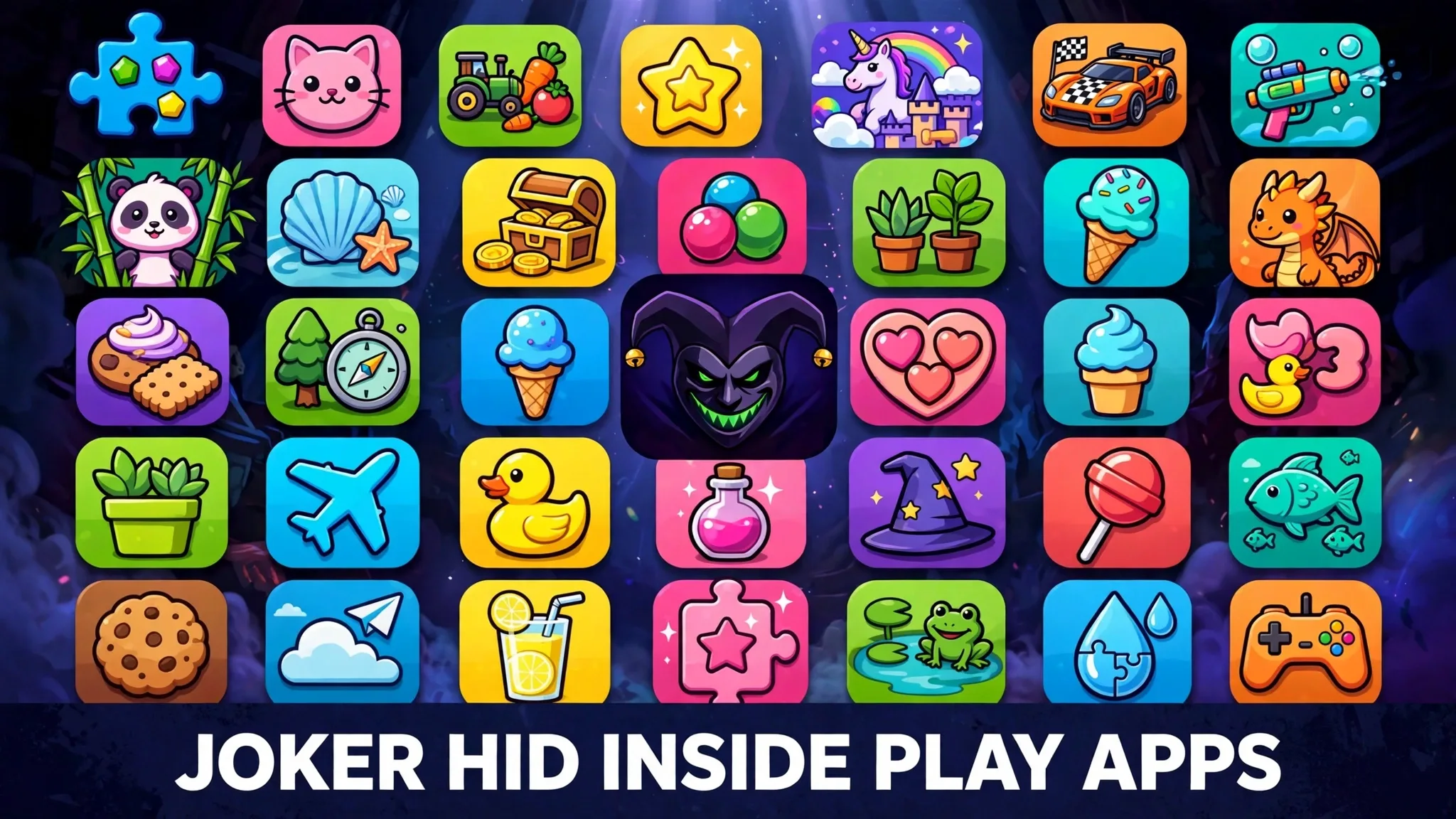
It is an ordinary evening. A parent wants something small and harmless for their child, so they open the Google Play Store — the official store, the safe place — and install a bright little photo app. The icon is cheerful. The page looks clean. The app opens, the filters work, the pictures come out fine. Nothing strange happens at all.
Nothing strange happens the next day either. Or the next week.
Then the phone bill arrives. Tucked between the normal charges sits a small payment for a premium subscription nobody remembers buying. Then another one the following week. And another. By that point, the smiling little app on the home screen has been quietly helping itself to money for weeks, and it never once had to break anything, crash anything, or announce itself. That quiet, patient theft is the signature of a malware family called Joker — and its cleverest trick is that it hides in the very place people trust most.
What the Joker malware actually is
Joker is a family of malware made for Android phones, the system that runs most of the world’s smartphones. Security researchers also gave it a nickname: Bread. It has been found hiding inside ordinary-looking apps on the Google Play Store since about 2017, and it keeps coming back in new disguises.
Joker is not a loud criminal. It does not lock your phone, flash warnings on your screen, or demand money with threats. Its main crime is a slow, quiet kind of theft that researchers often describe as fleeceware behaviour. Once an infected app sits on your phone, it can secretly sign you up for premium paid subscriptions — services you never asked for — so small charges start appearing on your phone bill or your bank card, week after week.
Small is the important word. A huge stolen amount would be noticed at once. A modest charge, buried among the usual bills, can slip past for months. The victim is not robbed in one dramatic moment. They are milked gently, a little at a time, which is exactly how the criminals behind Joker want it.
Money is not the only thing it takes. Joker can also read your text messages — and that includes the one-time security codes that banks and apps send you to confirm it is really you. It can look through your contact list and collect details about your device as well. A program that can see your messages and quietly enrol you in paid services has everything it needs to keep the theft running, and even to help itself past some of the checks meant to stop exactly this kind of fraud.
How Joker malware reaches an ordinary phone
Here is the part that surprises most people: Joker does not usually sneak in through some dark corner of the internet. It walks through the front door. It hides inside real, working apps listed on the Google Play Store — photo editors, games, wallpaper apps, document scanners, and other everyday tools. The apps look normal because, on the surface, they are normal. They open, they work, and they do the job their page promises.
The poison is hidden with patience. In many reported cases, the app that passes the store’s checks is not carrying its harmful code in plain sight at the start. The damaging part can be downloaded later, after the app is already installed and trusted. The bad code can also be concealed inside innocent-looking files, such as image files, so that a quick inspection sees nothing worth worrying about. By the time the harmful part wakes up, the app has been sitting innocently on the phone for a while, and nobody connects it to the strange charges that follow.
So the path onto an ordinary person’s phone is painfully simple. Someone browses the store, picks a free app with a pleasant icon and a decent rating, installs it, and moves on with their day. There is no scary warning screen. There is no obvious mistake to feel foolish about later. The trap works precisely because the victim did nothing reckless at all.
One more thing is worth understanding: there is no single famous gang behind Joker. Nobody caught “the Joker” and ended the story. The same hiding tricks are reused by many separate criminals, which is why the family keeps reappearing even after each wave of infected apps is discovered and removed. Catching one copycat does nothing to stop the next one uploading a fresh disguise.
The damage story: thousands of apps, years of small thefts
Because Joker hides so well, its story is told in waves. Security researchers find a batch of Play Store apps carrying it, Google removes them, and for a while things look calm. Then a new batch appears, dressed as different tools, using slightly changed tricks to stay unnoticed.
The scale is not small. In a security post in 2020, Google said it had removed more than 1,700 apps infected with this malware family since 2017. That is one company’s count, from its own official store, over just a few years — and security firms have kept reporting fresh Joker waves in later years too. Every one of those apps had to pass the store’s door, sit in public view, and be downloaded by real people before it was caught.
For the individual victim, the damage rarely makes headlines, and that is the point. Nobody loses their life savings in a single night. Instead, money leaks away in charges small enough to ignore — a subscription here, a renewal there — until one day someone studies a bill properly and finds a trail of payments for services they never used, never wanted, and never agreed to. Multiply that small, quiet loss across many thousands of phones, and the people running these apps are collecting very real money from a very simple trick.
I find the slowness of it more unsettling than a dramatic attack, because a theft designed to be boring is a theft designed to run for a long time.
How to protect yourself from Joker malware
You cannot make any phone completely risk-free, but you can make Joker’s job much harder. These steps are simple, free, and worth doing today.
Read the permissions, every time. Before installing an app — and even after — check what it asks to access. A photo editor has no honest reason to read your text messages. A wallpaper app does not need your contacts. Permissions are where a hidden app shows its true face, because the malware needs access to messages and billing to do its work. If the permissions do not match the job, do not install the app, or remove it if it is already there.
Keep Play Protect switched on. Google Play Protect is the built-in guard that scans apps on Android phones. It is not perfect — Joker’s whole career proves that harmful apps can slip past store checks — but it removes known bad apps and warns about suspicious ones. Leaving it on costs nothing and closes one more door.
Watch your phone bill and bank card. Once a month, read the small charges, not just the total. Look for subscriptions you do not recognise, premium services you never joined, and repeat payments to names you cannot place. Joker depends on victims never looking. Looking is the one defence it cannot design its way around.
Read the one-star reviews before installing. Happy reviews can be bought or faked in bulk, but angry one-star reviews often contain gold: real users complaining about strange charges, mystery subscriptions, or odd behaviour after installing the app. If several strangers describe money going missing, believe them and walk away.
Delete apps you no longer use. Every forgotten app is a guest still living in your phone. Clearing out the ones you do not need shrinks the space where something like Joker can hide, and makes it far easier to spot the one app that does not belong.
Be careful with children’s apps too. A cute game aimed at a child is judged by adults in a hurry, which is exactly the audience this malware hopes for. Apply the same permission checks to apps meant for kids as you would to your own banking tools.
The simple rule running through all of this: an app from the official store is safer, never perfectly safe. Trust the store, but still check the app.
Common questions
What is Joker malware in simple words?
Joker is a family of bad programs for Android phones that hide inside normal-looking apps on the Google Play Store. Once installed, an infected app can quietly sign you up for paid subscriptions and read your text messages, including security codes. It has been found in apps since about 2017 and keeps returning in new disguises.
How would I know if an app on my phone has Joker?
There is usually no pop-up or warning, because Joker is designed to stay invisible. The clearest sign is money: small subscription charges on your phone bill or card that you do not recognise. Other warning signs are apps asking for strange permissions, like a photo app wanting to read your messages. Checking your app list and your bill regularly is the best way to catch it.
If the app came from Google Play, how can it be dangerous?
Google removes infected apps in waves — it reported removing more than 1,700 Joker-infected apps between 2017 and 2020 — but criminals hide the harmful code or download it later, after the app passes the store’s checks. So an official listing lowers the risk a lot, but it cannot reduce it to zero. Checking permissions and reviews still matters.
What should I do if I find a mystery subscription charge?
Remove any app you do not fully trust, especially recently installed ones, and cancel the subscription through your phone bill provider or card company. You can also report the charge and ask whether it can be refunded. Then check your other apps’ permissions, and keep a closer eye on the next few bills, because quiet charges sometimes return if the app is still installed.
Does deleting the bad app fix everything?
Deleting the app stops it from signing you up for anything new, and it is the most important first step. But charges it already arranged may continue until you cancel them with your provider, so deletion and cancellation go together. If the app had access to your messages, it is also sensible to stay alert for strange sign-in attempts on your accounts.
Sources
- Wikipedia — Android malware: https://en.wikipedia.org/wiki/Android_malware