Locky Ransomware Arrived By Email
In this post
The invoice arrived on a quiet morning, sitting in an inbox between a real bill and a message from a friend. It looked exactly like the hundreds of invoices offices receive every week: normal subject line, normal file name. Nothing about it screamed danger. So a busy person did what busy people do with invoices. They opened it.
Inside, the words were a scrambled mess. But right at the top, the invoice seemed to explain itself. If the text is unreadable, it said, enable macros. Just one click on one yellow button. The person clicked, the page stayed scrambled, and they moved on with their day.
The invoice had done its job. Behind that one click, it had quietly reached out across the internet, downloaded a criminal program, and let it loose inside the computer. The program had a name that sounded almost friendly. It was called Locky, and it was about to lock everything in sight.
This is the journey of that invoice, and of the millions of copies of it that travelled the world in 2016. Its trick is still used today.
What Locky ransomware actually does
Locky is a type of harmful software called ransomware. The name tells you the whole crime. Ransom software locks your files so you cannot open them, then demands money to unlock them again. It is kidnapping, except the hostages are your documents, photos and business records.
Locky first appeared in February 2016, and spread so fast that it quickly became one of the most common ransomware families in the world, hitting homes, small businesses, big companies and hospitals alike.
Once inside a computer, Locky searches. It hunts through your folders for the files people actually care about: documents, spreadsheets, photos, databases and more. It goes straight for the things you would pay to get back.
Then it scrambles those files using strong encryption. Encryption turns readable information into meaningless gibberish that can only be turned back with a special key. Imagine every letter in every document swapped for random symbols, and only the criminal holding the one notebook that can swap them back. Your photo of your child is still on your computer, but when you open it, it is nonsense. The file has become a locked box, and you do not have the key.
As it scrambled each file, Locky also renamed it, changing the ending of the file name to .locky in its early waves. In later waves the criminals changed the ending, but the meaning stayed the same: this file belongs to us now.
When the locking was finished, Locky left a note explaining that the only way back was to pay, in Bitcoin, a digital currency that is hard to trace, which is exactly why criminals love it. In the early waves, the typical demand was around half a bitcoin, as reported at the time. Without the key, your files would stay locked forever. There was no clever trick to undo strong encryption. Locky turned mathematics into a weapon, and aimed it at your memories and your livelihood.
How Locky ransomware spreads
Our invoice did not travel alone. It was one copy among millions.
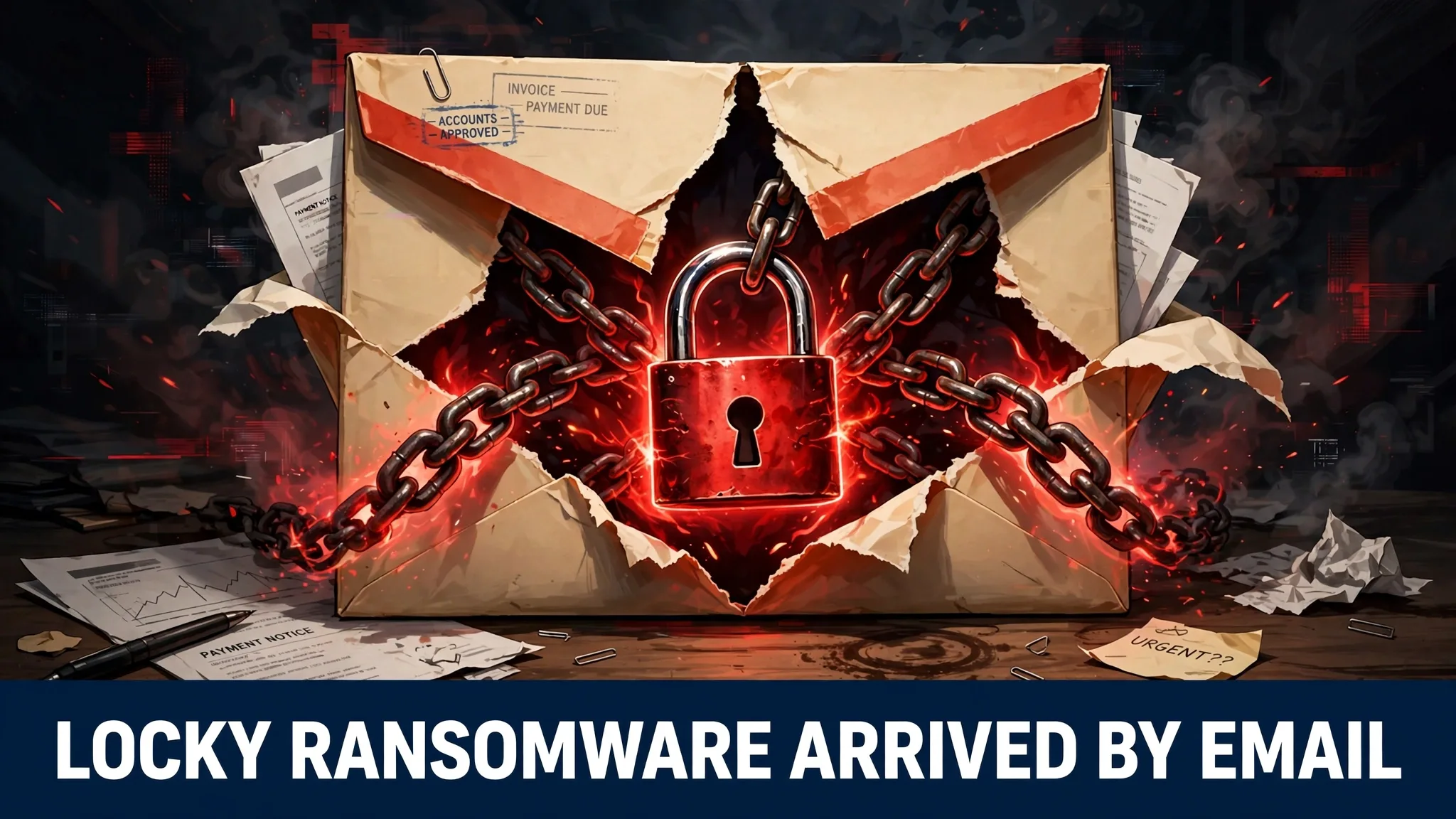
Locky arrived mainly by email, as spam, carrying a Microsoft Word document pretending to be an invoice. Invoices are perfect disguises. Every business expects them, and they feel boring, routine and urgent all at once, because nobody wants to be late paying a bill. The criminals were not just sending a file. They were sending a feeling: hurry, this is money, deal with it now.
The document itself was part of the trap. When opened, it showed scrambled text, which made it look like the file had a small problem. Then it offered the fix: enable macros. A macro is a set of automatic steps built into a document. Honest macros do useful things, like formatting a long report with one click. But a macro is really a tiny program, and a criminal’s macro can do anything a program can do. In Locky’s documents, its secret job was to download the ransomware itself and set it running.
That is the heart of the trick. Office programs keep macros switched off by default, because they are dangerous. So the criminals could not switch them on. They had to persuade a human being to do it instead, and the scrambled text with its helpful instruction was the persuasion. One click on “Enable Content”, and the victim unlocked the door personally.
Behind Locky stood the Necurs botnet: a huge army of infected computers around the world, secretly controlled by criminals, while their owners had no idea their machines were working for a gang. Necurs fired the emails out in enormous waves, and security firms reported that at their peaks the waves reached millions of messages a day. Millions of invoices, each one a tiny knock on a door, each one hoping for a single careless click.
How can something like Locky reach you today? In exactly the same costume: an emailed document you were not expecting. A bill, a receipt, a delivery note, a tax form, anything routine and slightly urgent. The names change with the years, but the doorway never does: an attachment, an odd document, and a request to enable or allow something. If that moment arrives in your inbox, you are in the exact same spot as the person who opened our invoice in 2016.
The damage Locky caused
Most of Locky’s victims never appeared in the news. They were ordinary people who lost years of family photos, and small businesses that lost their accounts and records. A ransomware attack on a big company is a headline. The same attack on a small shop is a quiet disaster with nobody watching.
But one victim did become famous. In February 2016, the same month Locky appeared, the ransomware struck the Hollywood Presbyterian Medical Center, a large hospital in Los Angeles.
A hospital’s computers hold patient records, test results, medication details and the schedules that keep doctors and nurses moving together. When Locky locked those systems, staff were pushed back towards paper and fax machines, and some patients had to be moved to other hospitals. For about a week, the hospital was trying to care for sick people with its main tools locked inside digital boxes it could not open.
The hospital faced a terrible choice: refuse to pay and keep struggling while patients waited, or pay the criminals and get its systems back. In the end, it paid a ransom of about $17,000 in Bitcoin to regain control of its systems, as widely reported at the time. The criminals sent the key, the locks opened, and normal work resumed.
Let that scene sink in. A hospital full of doctors and modern machines paid strangers on the internet to unlock its own filing cabinets. The attackers never entered the building. They sent emails, somebody clicked, and money changed hands. That is the true measure of the damage: not only the ransoms, but the days of chaos and the files lost by everyone who could not pay.
In my view, the hospital’s story is the one every office worker should hear once, because it proves this crime is never really about computers. It is about what the computers hold: care for the sick, wages for workers, memories for families.
During 2017, the flood finally slowed. The Necurs-driven Locky waves largely stopped, and the great invoice machine fell quiet. Locky faded away, but newer ransomware families took its place, using its tricks. The invoice retired. The idea behind it never did.
How to protect yourself from Locky-style attacks
The good news is that Locky’s whole empire rested on a few simple habits, and habits can be changed. Every step below is something an ordinary person can actually do.
Never enable macros on an emailed document. This is the single most important rule in this entire post. If a document tells you to click “Enable Content” or “Enable Macros” so you can read it, stop. Close it. Honest documents do not need your permission to do secret work in the background. The scrambled text is bait, and the button is the hook. If the document might be real, contact the sender separately, like by phone, before touching anything.
Treat unexpected invoices as suspects, not paperwork. Before opening any bill you were not expecting, check it. Read the sender’s address carefully, letter by letter, because criminals use addresses that look almost right. Ask whether you actually bought anything from this company. If money is involved, verify the invoice by phone using a number you find yourself, not one printed inside the suspicious email. Two minutes of checking can save every file you own.
Keep a backup that criminals cannot reach. Ransomware loses its power the moment you can restore your files from somewhere else. Copy your important files regularly onto an external drive, then unplug that drive when the copying is done. A backup that stays connected can be locked by the same ransomware, but one in a drawer is beyond its reach. If the worst happens, you lose a little time instead of everything.
Keep your software updated. Updates are not decoration. They close the holes that worms and ransomware climb through. Let your system and office programs update automatically, and do not postpone restarts for weeks. Attackers move within days of a weakness becoming known, so delay is what they count on.
Use security software and keep it on. A good, updated security program can catch many malicious documents before they run, and block connections to the criminal servers ransomware tries to call. It is not a magic shield, but it is a strong second line of defence.
Slow down when a message pushes you. Almost every one of these attacks begins with pressure: an unpaid bill, a closing account, a deadline today. Pressure is not a side effect. It is the tool. When an email makes your heart beat faster, that feeling is your warning light. Urgent and unexpected is the most dangerous combination in your inbox, and the cure is simply to pause before clicking anything at all.
Common questions
What is Locky ransomware? Locky is a ransomware program that first appeared in February 2016. It slipped into computers through fake invoice emails, encrypted documents, photos and databases so they could not be opened, and demanded payment in Bitcoin for the key that would unlock them.
How did Locky get into a computer? Mainly through spam email carrying a Word document disguised as an invoice. The document showed scrambled text and asked the reader to enable macros. Clicking that button ran hidden instructions that downloaded Locky.
Why did the hospital in Los Angeles pay the ransom? The Hollywood Presbyterian Medical Center was hit in February 2016 and disrupted for about a week, forcing staff back to paper methods. It paid about $17,000 in Bitcoin, as widely reported, because it needed its records working quickly to care for patients.
Is Locky still a threat today? Locky itself largely faded after the big Necurs-driven email waves stopped during 2017. But its trick, a fake document that asks you to enable macros, is still used by other malware today, so the protection habits in this post still matter.
What should I do if an emailed document asks me to enable macros? Close it and do not click the button. If it might be genuine, contact the sender separately, for example by phone, and confirm they really sent it. Real invoices can always wait ten minutes while you check.
Sources
- Wikipedia — Locky: https://en.wikipedia.org/wiki/Locky