WannaCry Virus Froze World's Hospitals
In this post
It was an ordinary Friday morning in hospitals across England. Nurses checked patient notes on their computers, doctors pulled up X-rays, and reception staff booked appointments the way they had done a thousand times before. Nothing in the building felt unusual. The wards were busy, the tea was hot, and the screens were glowing with the quiet blue light of a normal working day.
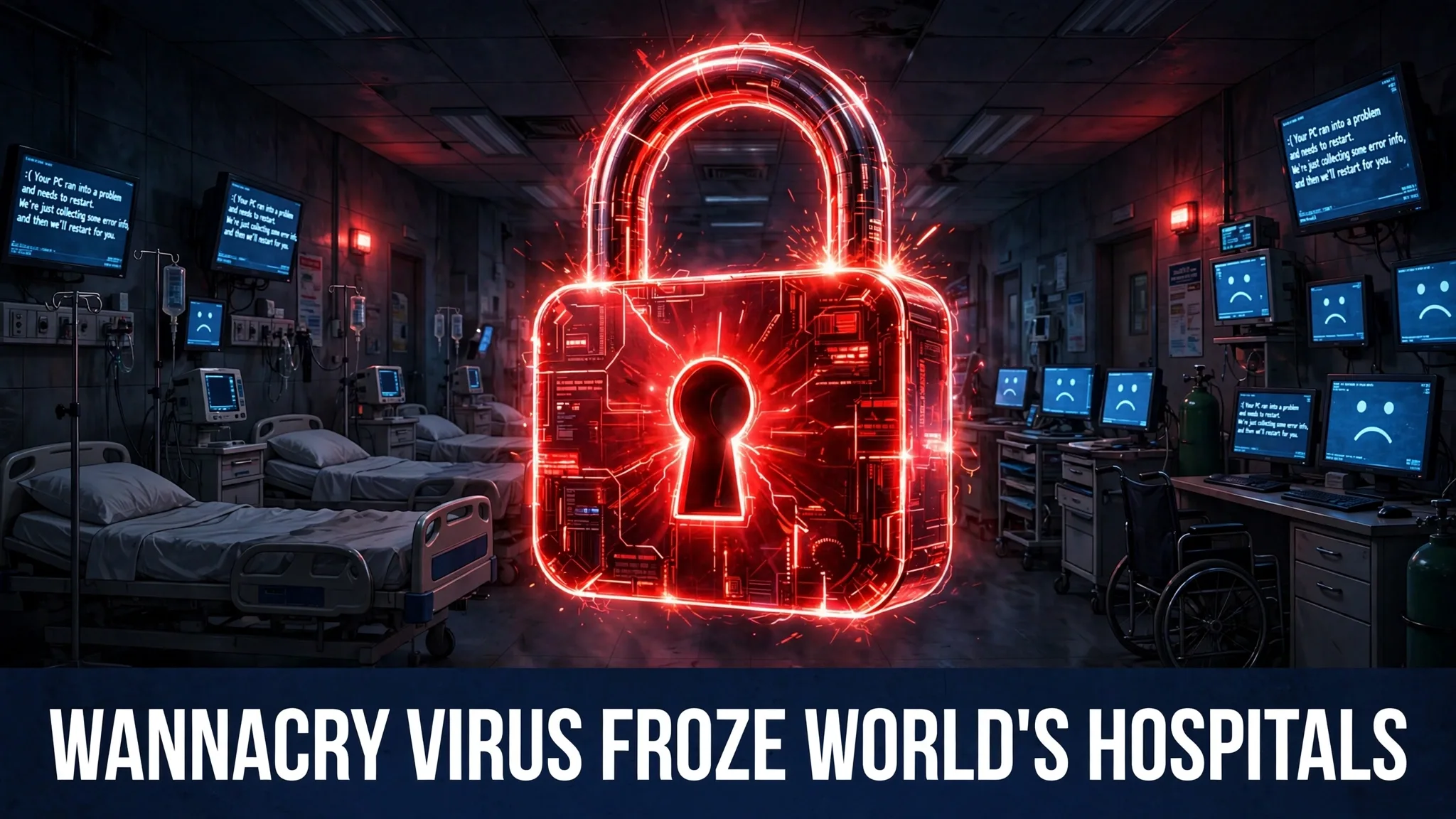
Then, sometime around lunchtime, the screens changed. One by one, hospital computers turned red. Patient records vanished. Appointment lists disappeared. In their place sat a bold message with a countdown clock and a demand: pay $300 in Bitcoin, or lose your files forever.
Nobody in those hospitals had clicked a strange link. Nobody had opened a suspicious email. The danger had not come through the front door at all. It had slipped in quietly through the machines themselves, moving from computer to computer like an invisible fire — and by the end of that single Friday, it had raced around the entire planet.
Morning: a Friday like any other
To understand how shocking that afternoon was, it helps to picture the morning first. Modern hospitals run on computers far more than most people realise. A patient’s blood test results live on a computer. The list of who is having surgery today lives on a computer. The ambulance service knowing which hospital has a free bed — that lives on a computer too.
On the morning of Friday 12 May 2017, all of that worked. Staff logged in, typed passwords, and got on with saving lives. Underneath that calm surface, though, many of those computers were running old Windows software with a hidden weakness — a flaw in the way Windows handled files shared across a network. The weakness had a name among security experts: it was the hole used by a powerful attack tool called EternalBlue.
Lunchtime: the screens turn red
When WannaCry reached a computer, it worked fast. First it copied itself onto the machine. Then it began locking files — documents, photos, spreadsheets, databases — scrambling their contents so no person and no program could open them again. This scrambling is called encryption, and the locked files could only be freed with a secret digital key held by the attackers.
Once the locking was done, the ransom note appeared. It told the victim that their files had been encrypted and demanded $300 worth of Bitcoin, a digital currency, to get the key. A timer on the screen counted down, warning that the price would rise and that the files would eventually be destroyed.
In the hospitals, the effect was immediate and frightening. Staff who moments earlier were reading a patient’s history were suddenly looking at a red ransom screen. Operations planned for that day had to be cancelled because surgeons could not safely work without patient records. Ambulances carrying sick people were diverted away from hospitals whose systems were down, sent instead to hospitals still able to cope. Paper and pens came out of drawers. The most advanced health service in the country was, for a few days, run the way it had been run decades earlier.
What WannaCry actually is
WannaCry is two dangerous things at once. The first is ransomware — software that locks your files and demands money to unlock them. The second is a worm — software that can spread entirely by itself, jumping from one computer to the next without any human help. Most viruses need a person to open a bad file or click a bad link. A worm does not. It goes looking for victims on its own.
How the worm travelled
The secret of WannaCry’s speed was EternalBlue, an attack tool built to exploit the Windows flaw. That tool had originally been developed by the US National Security Agency, but it had been stolen and leaked onto the internet by a mysterious group calling itself the Shadow Brokers. Once the tool was public, criminals could build it into their own software — and WannaCry was the result.
Here is the part that still amazes me: the fix already existed. Microsoft had released a security update in March 2017, two full months before the attack, that repaired the flaw and closed the door EternalBlue used. Computers that had installed the update were safe. But millions of computers around the world had never been updated — because updates were switched off, because the machines were old, or because keeping huge organisations like hospital networks updated is slow, difficult work. Every one of those unpatched machines was a door left wide open, and the worm walked through all of them.
How it can reach an ordinary person
You might think a worm hunting hospital networks has nothing to do with your laptop at home, but the way WannaCry spread shows why it does. It travelled across networks automatically, scanning for any connected computer that still had the flaw. An ordinary person’s unpatched Windows computer, sitting on a home network or connected at work, could be infected without its owner doing anything at all — no click, no download, no warning. The lesson is uncomfortable but simple: the biggest danger was not careless people. It was neglected updates.
Afternoon and evening: the fire circles the world
Hospitals were the most visible victims, but they were far from alone. In Spain, the telecoms giant Telefónica was hit. The delivery company FedEx found its systems infected. In Germany, the screens at Deutsche Bahn railway stations — the boards that tell passengers when their trains are coming — showed the ransom message instead. Car factories belonging to Renault had to stop work.
Europol, the European police agency, later said that more than 200,000 computers in about 150 countries had been infected within days. Let that sink in for a moment: a quarter of a million machines, across almost the whole map, brought down by one piece of software in one weekend, without the victims pressing a single wrong button.
Back in England, the counting of the damage to health care went on for weeks. The National Audit Office later reported that around 19,000 appointments had been cancelled in England because of the attack. Behind that number are 19,000 real people who waited longer for a scan, a check-up, or an operation they needed. Worldwide, the total cost of the outbreak — lost business, repair work, and recovery — was estimated in the billions of dollars.
The accident that slowed it down
The strangest part of the whole story is how the outbreak was slowed. WannaCry’s code contained a long, nonsense web address that did not exist. A young British security researcher named Marcus Hutchins, studying the malware, noticed the address and decided to register it — simply buying the domain name, the way anyone can buy a website name. That small act changed everything.
It turned out the nonsense address was a hidden switch. As long as the address led nowhere, the worm kept spreading. The moment the address became real, infected computers could reach it — and WannaCry stopped locking files on new machines. Hutchins had not planned to save the world that day; he was just doing his job and following a clue. But his quick thinking slowed the fire enormously and gave hospitals, companies and home users precious time to install the update that protected them.
The outbreak was not instantly over — already-infected computers still had locked files, and the clean-up took far longer than the attack itself. But the worst of the spreading was stopped by an accident of curiosity and a cheap domain registration.
How to protect yourself from ransomware
WannaCry happened in 2017, but ransomware never went away — it simply got quieter and more targeted. The good news is that the protection steps are not complicated, and each one matters.
Turn on automatic updates
This is the single most important step, and WannaCry is the proof. The flaw it used had been fixed two months before the attack; only unpatched computers fell. Switch on automatic updates for Windows or macOS, for your phone, and for your apps, and let them install. When a program nags you to restart for an update, do it soon rather than someday. An update is a lock being fitted to a door that criminals already know about.
Back up your files, offline
Keep copies of your important files — photos, documents, work — in a second place that is not always connected to your computer. That can be an external drive you plug in, copy your files, and then unplug, or a trusted cloud backup service. The unplugging matters: ransomware locks everything it can reach, including an attached backup drive. If a clean backup exists, locked files stop being a disaster and become an inconvenience, because you can wipe the machine and restore your own copies.
Be careful with links and attachments
WannaCry itself needed no click, but most ransomware today still arrives through fake emails, fake delivery messages and infected downloads. If a message pressures you to hurry, asks you to open an attachment you were not expecting, or offers something too good to be true, slow down and check who really sent it. A minute of suspicion is cheaper than a locked computer.
Never pay the ransom
Security agencies give this advice consistently: do not pay. Payment does not guarantee your files will come back — criminals can take the money and vanish, or hand back a key that only partly works. Paying also marks you as someone who pays, which invites more attacks, and the money funds the next round of crime. If the worst happens, disconnect the machine from the network, and get help from a professional or your local authorities.
Common questions
Can WannaCry still infect my computer today?
The original WannaCry is stopped, because the kill switch address is now permanently registered and watched. But the Windows flaw it used and copycat ransomware programs still exist, so an old, unpatched computer remains at risk from similar attacks. Keeping systems updated is what keeps you safe.
Did the hospitals pay the $300 ransom?
Paying would not have been a real solution, because the attackers had no reliable system for returning each victim’s key. The official advice to organisations and individuals alike was not to pay, and recovery mostly came from restoring systems and files rather than buying them back.
Who created WannaCry?
Investigators around the world studied the code for clues, and governments later made public accusations about who was responsible. What is certain, and what matters most for staying safe, is how it worked: leaked attack tools plus uninstalled updates. Ordinary users cannot control who builds malware, but they fully control whether their own machines are patched.
Why did the kill switch work?
The worm was programmed to check whether the nonsense web address existed before it locked a new computer’s files. When Marcus Hutchins registered the address and it became real, the malware treated that as a signal to stop. It was likely meant as a way for its creators to halt the attack — and it ended up in the hands of a defender instead.
Could an attack like WannaCry happen again?
A worm that spreads by itself through an unpatched flaw is always possible, which is exactly why experts talk about updates so much. The defence has improved since 2017 — modern systems update more automatically and networks are watched more closely — but the basic recipe of the disaster, a known flaw plus millions of machines that never installed the fix, can repeat whenever people delay updates.
Sources
- Wikipedia — WannaCry ransomware attack: https://en.wikipedia.org/wiki/WannaCry