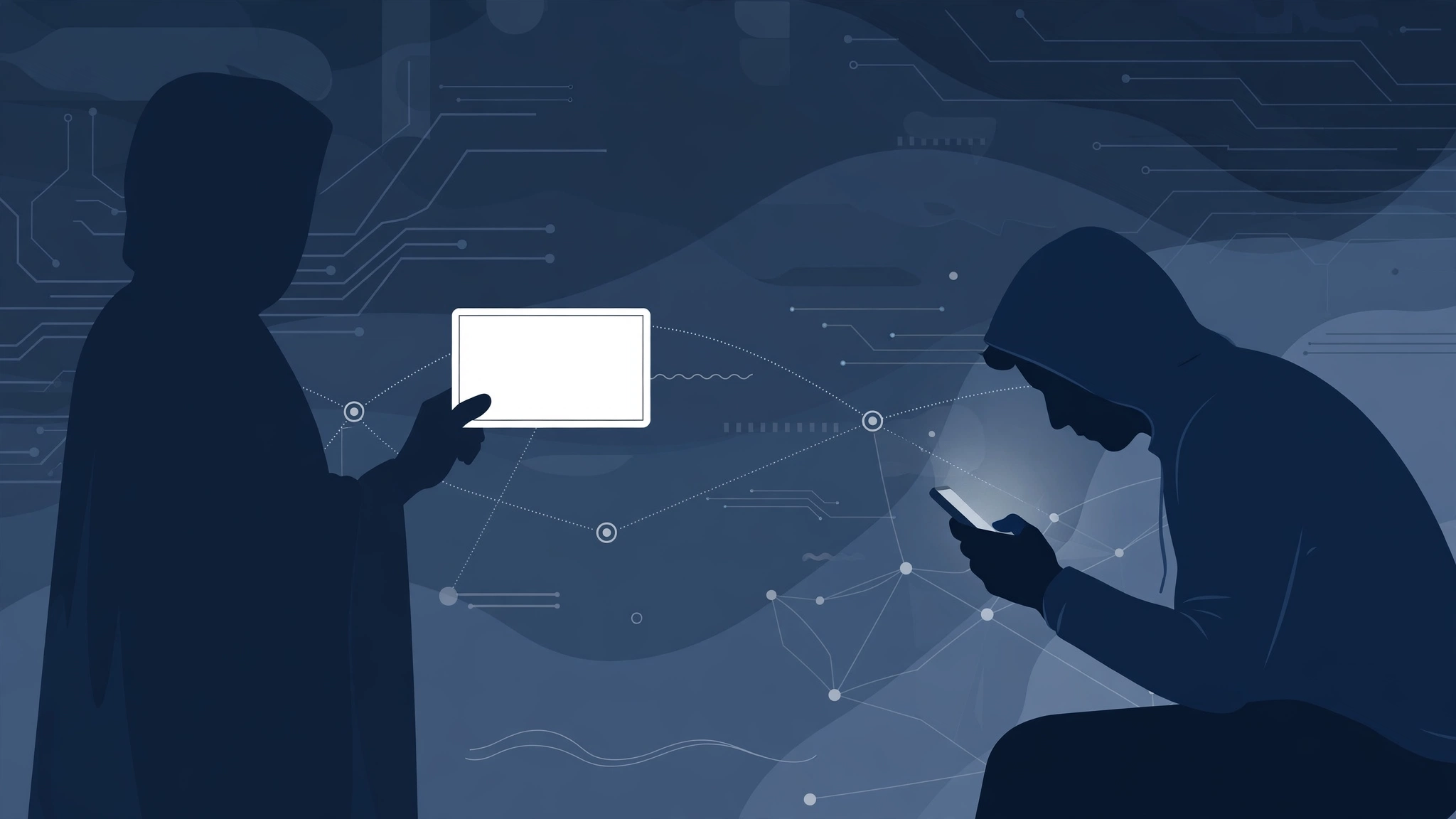
Ransomware Explained In Simple Words
In this post
- A Locked Safe, But Digital
- Encryption Itself Is Not Evil
- How A Ransomware Attack Happens, Step By Step
- What Happens After The Ransom Is Paid
- The Three Main Types Of Ransomware
- Scareware: A Related But Different Threat
- How Ransomware Gets Onto A Device
- What Ransomware Costs, And Whether Paying Helps
- How To Remove Ransomware If It Happens
- How To Prevent Ransomware: The Habits That Matter
- You may also like
You sit down at your computer in the morning, and nothing opens. Your documents, your photographs, your work files, all of them are there, but none of them will open. Instead, a message fills the screen: your files have been encrypted, and you can have them back only if you pay. The price rises if you wait. The deadline is counting down. You still have your files, in a sense. You simply cannot read them, use them, or get them back without a key that someone else holds. That is ransomware, and it is one of the most damaging crimes on the internet, because it does not steal your files. It takes them hostage, in plain sight, on your own machine.
Ransomware is malicious software that locks up files and holds them for ransom. Ransomware can quickly spread across an entire network, and in some cases an infection has moved across multiple networks belonging to different organisations. The person or group controlling the ransomware unlocks the files only if the victim pays the ransom. This post explains, in simple words, what ransomware is, how it works, the forms it takes, how it gets onto a device, what the ransom demand looks like, whether paying helps, and, most importantly, how to protect yourself, because prevention is far easier than recovery.
A Locked Safe, But Digital
The simplest way to understand ransomware is through an everyday comparison. Imagine someone steals your laptop, locks it in a safe, and tells you that you can have it back only if you pay them 200 dollars. That is essentially how ransomware groups operate, only instead of physically taking computers away and locking them up, they do so digitally. Your computer stays on your desk. Your files stay on your hard drive. But they are locked, and only the attacker holds the key.
A second comparison explains the locking itself. Imagine someone, instead of stealing your laptop, translates all of your files into a language you cannot read. That is similar to encryption in a ransomware context: you still have access to the files, but you cannot read them or use them. Essentially, the files are lost until you can find a way to translate them. Encryption is the process of scrambling data so that it cannot be read except by parties who have the encryption key, which they can use to reverse the encryption. The reversal of encryption is known as decryption.
Encryption Itself Is Not Evil
Encryption itself is not evil. It is used for legitimate purposes all the time and is a crucial element of security and privacy on the internet: it protects your bank details, your messages, and your passwords from strangers. Ransomware groups use encryption maliciously, to prevent anyone from being able to open and use the encrypted files, including the files’ legitimate owners. Unlike translating a language, decrypting data is almost impossible without the encryption key, and the attacking party keeps the key to themselves, which is why they have the leverage they need to demand payment. The lock is mathematics, not metal, and mathematics does not care how much you need the files back.
How A Ransomware Attack Happens, Step By Step
Typical ransomware attacks follow a few basic steps. First, the ransomware establishes a foothold on a device or network. It gets in, through one of the methods described below, and settles in quietly. Second, it encrypts any files it finds, scrambling documents, photographs, databases, and backups it can reach, often spreading from one computer to others on the same network. Third, it displays a message demanding payment to decrypt the files, with instructions, a deadline, and a price.
Before encrypting, the ransomware may communicate with the attacker’s command and control server in order to receive instructions. Sometimes an attacker will wait for the opportune moment to send a command to encrypt files, and in this way ransomware can remain inactive and undetected on a device or network for days, weeks, or even months. That waiting period is deliberate: the attacker wants the ransomware to spread as far as possible, and to reach backups too, before anyone notices. When the encryption finally begins, it can happen very fast, across many machines at once, which is why a ransomware attack often feels like it happens all at once, in the morning, with no warning.
The ransom demand usually comes with a time limit: pay before a certain deadline or else the files will remain permanently encrypted, and the price may go up as time passes. That deadline is pressure, designed to stop the victim thinking clearly, seeking advice, or restoring from backups. Ransomware groups want the victim’s payment to be difficult to trace back to them, so they often demand payment via cryptocurrency or other methods that are difficult for law enforcement to track. Cryptocurrency is not anonymous in the way films suggest, but it is harder to trace than a bank transfer, and that difficulty is the point.
What Happens After The Ransom Is Paid
Once the ransom is paid, the attacker either decrypts the files remotely or sends the victim the decryption key. The attacker almost always decrypts the encrypted data or provides the key once the ransom is paid. It is in the attacker’s interest to follow through on their promise to unlock data, because without this step, future ransomware victims will stop paying, knowing it will not accomplish anything, and the attackers will not make any money. That does not make paying safe or wise, as the next sections explain. It only explains why the criminal business works: the criminal must keep enough promises to keep the next victim paying.
The Three Main Types Of Ransomware
Not all ransomware works the same way, and knowing the type helps you understand what has happened and what can be done. The most common type is “crypto” or encrypting ransomware, which functions as described above: it encrypts files and demands payment for the key. This is the type most people mean when they say “ransomware,” and it is the most damaging, because encrypted files cannot be used at all without the key.
The second type is locker ransomware. Instead of encrypting data, this type simply locks users out of their devices. The screen is blocked, the computer cannot be used normally, and a message demands payment to unlock it. The files underneath may be untouched, which makes locker ransomware less destructive in principle, but the effect on the victim is similar: a machine that cannot be used until the attacker is paid or the lock is removed by other means.
The third type is doxware. Doxware copies sensitive personal data and threatens to expose it unless the victim pays a fee. Doxware does not usually encrypt data. Its weapon is shame and exposure: private photographs, messages, medical records, or business secrets, threatened with publication. The victim pays not to recover files, but to prevent their release. Some modern attacks combine types: encrypting files and also threatening to publish stolen data, so the victim faces two harms at once, and paying for one does not necessarily prevent the other.
Scareware: A Related But Different Threat
A related form of malware is “scareware.” Scareware shows a message claiming that the device is infected with malware and demanding payment to remove it. When installed, scareware can be persistent and difficult to remove, and although it may lock the victim’s computer, it does not usually hold files and data for ransom as ransomware does. Knowing the difference matters, because scareware can often be removed without paying, while true ransomware, once files are encrypted, usually cannot be undone without the key or a backup.
How Ransomware Gets Onto A Device
Attackers use several methods to spread ransomware, but most often they use a type of malware called a “trojan.” A trojan is a malicious file disguised as something else, just as the Trojan horse of myth disguised the Greek army. Users have to execute trojans for them to work, and ransomware groups can trick them into doing so in a number of ways.
The most common way is social engineering. Often, malicious files are disguised as harmless email attachments, and ransomware gangs send targeted emails that make the recipients think they need to open or download the malicious attachment. The email may pretend to be an invoice, a delivery notice, a job application, or a message from a colleague, and the attachment may look like a document, a spreadsheet, or a photograph. Opening it runs the trojan, and the ransomware begins its work.
Other methods need less help from the victim. A drive-by download is when opening a webpage automatically causes a file to download, and drive-by downloads take place on infected websites or websites controlled by an attacker. An attacker may compromise an application that the user trusts, so that opening the application also installs malware, or create fake applications that are actually malicious, sometimes disguised as anti-malware software. Attackers have also been known to use vulnerabilities to create worms that spread across an entire network, and even to multiple networks, without users taking any action at all. Regardless of the method used, the goal is the same: to get the malicious file, known as a malicious payload, onto the device or network, and once it executes, the payload encrypts files on the infected system.
What Ransomware Costs, And Whether Paying Helps
The costs of ransomware are large, and they go far beyond the ransom itself. One report stated that the average price paid by ransomware victims was over 300,000 dollars. Another report found that the average total cost of a ransomware attack, in terms of lost business and other factors in addition to the cost of the ransom, was close to 2 million dollars. In 2020, one source estimated that the financial damage from ransomware over the previous 12 months was over 1 billion dollars, although the real cost was probably much higher, factoring in the lost services and the victims who might have paid a ransom without announcing it publicly. There is a huge financial incentive for criminals to conduct ransomware attacks, so ransomware is likely to remain an important security issue.
It is estimated that 95 percent of organisations that pay the ransom do in fact get their data back. However, paying a ransom can be a controversial decision. Doing so involves giving money to criminals, allowing them to further fund their criminal enterprises. Paying also marks the victim as someone who pays, which can invite further attacks, and it does not guarantee that stolen data will not be published, or that the ransomware has been fully removed from the network. Many security experts and law-enforcement agencies advise against paying, and some organisations are legally restricted from doing so. The decision is difficult, personal, and often made under deadline pressure, which is exactly how the attackers want it.
The honest summary is this: paying often works, in the narrow sense that files are decrypted, and it is still usually the wrong choice, in the wider sense that it funds crime, encourages more attacks, and leaves the victim’s systems untrustworthy until they are properly cleaned and rebuilt. The best time to decide is before an attack happens, by making backups that make paying unnecessary.
How To Remove Ransomware If It Happens
In some cases, it may be possible to remove ransomware from a device without paying the ransom. Victims can attempt to follow these steps: isolate the infected machine by disconnecting it from all networks; scan for and remove malicious files using anti-malware software; and restore files from a backup or use a decryption tool to decrypt files. However, these steps are often difficult to execute in practice, especially when an entire network or data centre has been infected and it is too late to isolate the infected device. Many types of ransomware are persistent and can duplicate themselves or otherwise resist removal, and many ransomware groups today use advanced forms of encryption, making decryption next to impossible without the key.
Isolation matters most, and it matters immediately. Disconnecting the infected machine stops the ransomware spreading to other machines on the network, and stops it reaching backups that are still connected. Do not shut the machine down and hope: shutting down can destroy evidence and, in some cases, lose the chance to recover keys or data held in memory. Disconnect, seek professional help, and do not pay in haste. For businesses, the right response usually involves specialists, insurers, and law enforcement, because a network infection is a major incident, not a single broken computer.
For individuals, the practical steps are the same, at a smaller scale: disconnect from Wi-Fi and unplug network cables, do not connect backup drives that were attached during the attack, and get help from a trusted professional rather than following instructions in the ransom message itself. The ransom message is written by the attacker. Its advice serves the attacker, not the victim.
How To Prevent Ransomware: The Habits That Matter
Since ransomware removal is extremely difficult, a better approach is to try to prevent ransomware infections in the first place. The strategies that help are not exotic. They are habits, repeated consistently, by everyone who uses the device or network.
Anti-malware software can scan all files to make sure they are not malicious and do not contain ransomware, although this will not detect all strains of ransomware. DNS filtering can prevent users from loading unsafe sites, and possibly prevent the malicious payload from communicating with the attacker’s command and control server. Browser isolation can close several attack vectors, including drive-by downloads. Email security filters can flag suspicious emails and attachments. IT teams can restrict the types of applications that can be installed, to prevent users from accidentally installing malware. Security teams can train users to identify suspicious emails, avoid clicking on untrusted links and loading unsafe sites, and install only safe and trusted applications.
Even with these methods, 100 percent prevention of ransomware is not possible, just as 100 percent prevention of any threat is not possible. The most important step a business can take is to back up their data, so that if an infection occurs, they can switch to the backup instead of having to pay the ransom. Backups must be kept separate from the main network, tested regularly, and protected from the ransomware itself: a backup that is connected and reachable during an attack can be encrypted along with everything else, leaving the victim with nothing to restore from. A backup that is disconnected, tested, and recent is the difference between a bad week and a catastrophe.
For an individual, the same rules apply in miniature: keep backups of photographs and documents on a drive that is not always connected, keep software updated, be suspicious of unexpected attachments, and do not install software from untrusted sources. Ransomware is a crime that punishes haste and rewards preparation. The people who suffer least are not the cleverest. They are the ones whose backups were ready before they were needed.
You may also like
Frequently Asked Questions
What is ransomware in simple words? Ransomware is malicious software that locks up files and holds them for ransom. It encrypts files, scrambling data so it cannot be read except by parties who have the encryption key, and the person or group controlling the ransomware unlocks the files only if the victim pays the ransom. It is like someone locking your laptop in a safe and demanding payment for the key, except the locking is done digitally, on your own machine, and the key is mathematical.
How does ransomware work? Typical ransomware attacks follow three basic steps: the ransomware establishes a foothold on a device or network, it encrypts any files it finds, and it displays a message demanding payment to decrypt the files. Before encrypting, it may communicate with the attacker’s command and control server for instructions, and it can remain inactive and undetected for days, weeks, or even months, waiting for the opportune moment. The ransom demand usually comes with a time limit, and the price may go up as time passes.
How does ransomware get on a computer? Most often through a trojan, a malicious file disguised as something else, which users have to execute for it to work. Attackers use social engineering, disguising malicious files as harmless email attachments and sending targeted emails that make recipients think they need to open them. Other methods include drive-by downloads from infected websites, compromised or fake applications, and worms that use vulnerabilities to spread across a network without users taking any action at all.
Should I pay the ransom if my files are encrypted? Paying often gets files back: it is estimated that 95 percent of organisations that pay do in fact get their data back, because it is in the attacker’s interest to follow through. But paying is controversial, because it gives money to criminals, allows them to fund further criminal enterprises, marks the victim as someone who pays, and does not guarantee that stolen data will not be published or that the ransomware has been fully removed. Many experts and law-enforcement agencies advise against paying, and the best protection is a separate, tested backup that makes paying unnecessary.
How can I protect myself from ransomware? Use anti-malware software, keep software updated, use email filters and DNS filtering, avoid clicking untrusted links and loading unsafe sites, and install only safe and trusted applications. Above all, back up your data on a drive or system that is kept separate from the main network and tested regularly, so that if an infection occurs you can switch to the backup instead of paying the ransom. Even with all these methods, 100 percent prevention is not possible, which is why a recent, disconnected backup matters more than any single security tool.
Sources
- Cloudflare, “What is ransomware?”: https://www.cloudflare.com/learning/security/ransomware/what-is-ransomware/