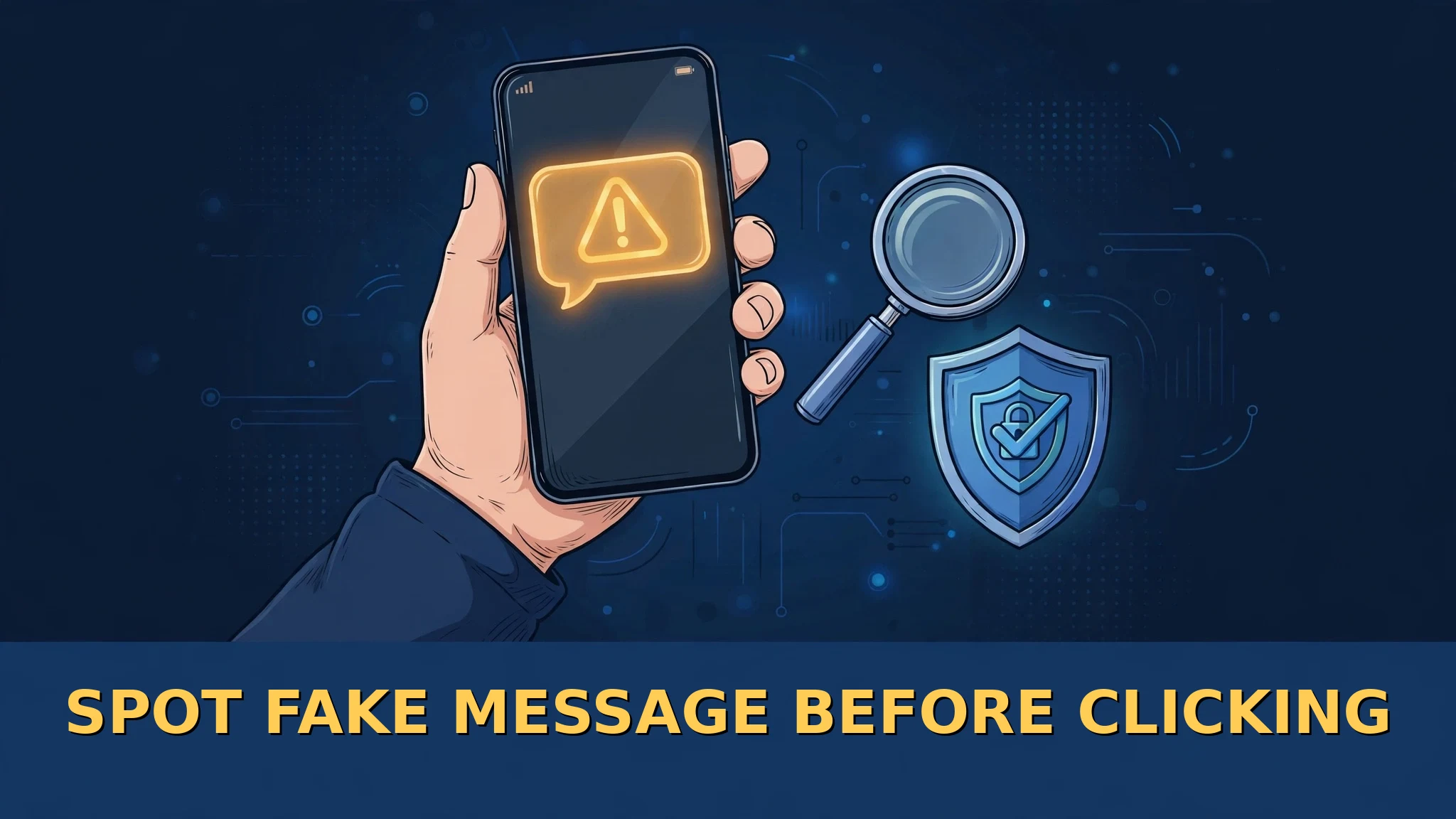
Spot Fake Message Before Clicking
In this post
- What a Phishing Message Really Is
- Warning Sign One: The Message Rushes You
- Warning Sign Two: The Sender’s Address Is Almost Right
- Warning Sign Three: It Does Not Know Your Name
- Warning Sign Four: The Link and the Attachment
- The Stories Scammers Tell Again and Again
- The Sixty Second Check Before You Click
- Already Clicked? Do These Steps Now
- Sources
Your phone buzzes. “Your parcel is held at the depot. Pay the small delivery fee within 12 hours or it will be returned.” Your heart jumps. Your thumb moves toward the link almost by itself.
Stop. That tiny moment — between the buzz and the tap — is exactly where this whole scam lives or dies. The message has a logo that looks right. The words look official. But the page waiting behind that link is a trap built to steal your bank details, and the thieves are counting on one thing only: that you will hurry.
The good news? Fake messages almost always carry small cracks. Once you learn to see the cracks, the trap stops working. Here they are, one by one.
What a Phishing Message Really Is
Phishing is a trick message — an email, a text, or a chat message — that pretends to come from a company you trust, such as your bank, a delivery service, or a utility company. Its job is to push you to tap a link or open an attachment. The link leads to a fake copy of a real sign-in or payment page, and whatever you type there — password, card number, account details — goes straight to the scammer.
The U.S. Federal Trade Commission (FTC), the agency that protects American consumers, says scammers use stories like an overdue invoice, a problem with your account, or a request to confirm your card or bank number. If they collect personal details such as your date of birth or government ID number, they can go further and try to steal your identity itself. And this is no rare trick: the FTC says email was the top way scammers contacted people in 2024.
Warning Sign One: The Message Rushes You
Real companies inform you. Scammers alarm you. Read the message again and feel its temperature. Does it shout? “Urgent action required.” “Your account will be closed.” “Your account has been compromised.” “Act now or lose your money.”
That fear is not an accident — it is the tool. A worried person does not check details; a worried person taps. The FTC gives beautifully simple advice for exactly this moment: slow down. Ask yourself two questions. Do I even have an account with this company? Do I actually know this sender? If the answer to either is no, you are almost certainly looking at a fake. And even if the answer is yes, still check it in the safe way described below — never through the message itself.
Warning Sign Two: The Sender’s Address Is Almost Right
Look closely at who really sent the message — not the name it shows, but the actual address or number behind it. Scammers often register addresses that look similar to a company’s real one, sometimes using free email accounts dressed up with a company name. One letter changed. One extra word added. A strange ending after the name.
Our eyes are lazy readers; they see the first few letters and relax. Scammers know this. So read the address slowly, letter by letter.
Warning Sign Three: It Does Not Know Your Name
Phishing messages are fired at thousands of people at once, like seeds scattered on a field. The sender usually has your phone number or email address — but not your name. So the message opens with a cold, generic greeting: “Dear Customer.” “Dear Member.” Or it greets nobody at all and dives straight into the threat.
Your real bank, on its real app, knows who you are. A message about your money that cannot name you deserves deep suspicion. The same goes for sloppy spelling, broken grammar and cheap-looking design inside the message — small errors that a big, careful company would rarely send, but a scam factory working at speed produces every day.
Warning Sign Four: The Link and the Attachment
Everything in the message pushes toward one action: tap here. That link is the hook. It opens a page that may copy the real company’s colours, logo and layout almost perfectly — logos are easy to steal, so a familiar-looking page proves nothing. What gives the page away is its address: the name slightly misspelled, an extra letter where you would not expect one, or a number quietly sitting in place of a letter. Check addresses character by character before you ever type a password.
Attachments are the other weapon. An unexpected file — an “invoice,” a “receipt,” a “delivery form” — can carry harmful software that records what you type or opens your device to strangers. The rule from consumer-protection experts is blunt: do not open attachments and do not download anything from a message you were not expecting. And remember this solid fact: a genuine company will never ask you, in an unsolicited message, to hand over your password or bank and card numbers to “verify” yourself.
The Stories Scammers Tell Again and Again
The costume changes, but the play stays the same. The FTC lists the scripts scammers return to year after year: a claim that there was suspicious activity or a strange log-in on your account; a sudden problem with your account or payment information; a demand to confirm personal details; an invoice you do not recognise; a link to make a payment; a government refund you must register to receive; or a tempting coupon for free things.
Wrap one in a delivery company’s name and you get the “parcel fee” message; wrap one in a bank’s name and you get the “account blocked” message. Learn the pattern — hurry, link, request for details — and you can see through every costume it wears.
The Sixty Second Check Before You Click
When a suspicious message arrives, give yourself one minute and do this instead of tapping. First, breathe and re-read it, hunting for the warning signs above. Second, ask the FTC’s two questions: do I have an account with them, and do I know this sender? Third — this is the golden step — if the message might possibly be real, reach the company your own way. Open the official app yourself, type the official website address yourself, or call the number printed on your bank card or on a real bill. Never use the phone number, link or address supplied inside the suspicious message; those belong to the trap.
Two quiet habits add armour for the future. Turn on two-factor authentication on your important accounts — the FTC recommends this directly — so even a stolen password is not enough to break in. And keep your security software updated, mark junk as spam so your filters learn, and delete the fake message once you have dealt with it.
Already Clicked? Do These Steps Now
If you think you already fell for one, do not waste time on shame — spend it on speed. If you gave away personal or financial information, such as a card or bank account number, the FTC directs people to IdentityTheft.gov, which walks you through the exact steps for the kind of information you lost. Contact your bank through its official number as well, and tell them what happened.
If you opened an attachment or think harmful software may have downloaded, update your computer’s security software and then run a full scan, as the FTC advises. Change the password of any account involved — from a clean, safe device — and switch on two-factor authentication.
Finally, report the message — it genuinely helps others. The reporting addresses are listed in the questions below. Then delete the message and warn your family, because the same message is probably buzzing on their phones too.
The scammer’s whole business runs on sixty hurried seconds. Give yourself sixty careful ones instead, and the trap is empty.
Frequently Asked Questions
How can I tell if a message is fake?
Look for the pattern: it rushes you, the sender’s address is slightly wrong, it does not use your name, and it pushes you to tap a link and enter private details. One sign is a warning; several together mean delete it.
My bank sent me a link to confirm my account. Is it real?
Treat it as fake until you prove otherwise. Real companies do not ask for passwords or card numbers through unsolicited message links. Open the bank’s official app or call the number on your card and ask them directly.
What if the message knows my name? Does that make it safe?
No. Names can leak from many places, and a scammer with your name is still a scammer. Use the same check: never enter the message through its own link; reach the company your own way.
I clicked the link but did not type anything. Am I safe?
Probably, but do not relax completely. Close the page, do not download anything it offers, and run a security scan if anything was downloaded. If you typed any details, follow the recovery steps in this post immediately.
Where can I report a phishing message?
Forward phishing emails to reportphishing@apwg.org, forward phishing texts to 7726 (SPAM), and report the attempt to the FTC at ReportFraud.ftc.gov. Then delete the message.
Sources
- U.S. Federal Trade Commission — Protect yourself from phishing scams: https://consumer.ftc.gov/consumer-alerts/2025/04/protect-yourself-phishing-scams
- U.S. Federal Trade Commission — Those urgent emails from MetaMask and PayPal are phishing scams: https://consumer.ftc.gov/consumer-alerts/2023/05/those-urgent-emails-metamask-and-paypal-are-phishing-scams?page=0
- United States Senate Federal Credit Union — How to Recognize and Avoid Phishing Scams (based on FTC guidance): https://www.ussfcu.org/media-center/security-corner/blog-detail-security-corner.html?cId=40592&title=how-to-recognize-and-avoid-phishing-scams
- The picture on this page is an original illustration made for Talha M Blog.